

You can easily Transfer your Domain from one ISP to another by following the steps below:
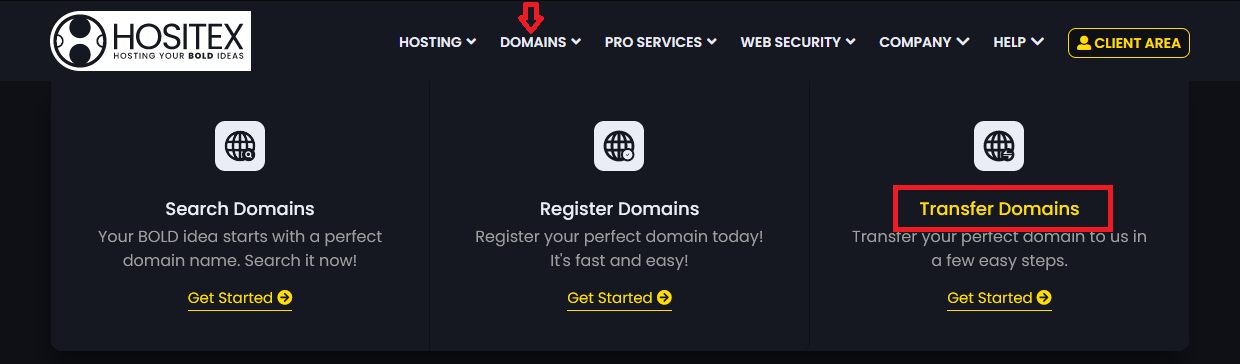
1. Under the Hositex top menu bar, hover on Domains and Click Transfer Domains
2. Input the Domain name and Epp Code/ Auth Code in the respective input fields and click Add to Cart.
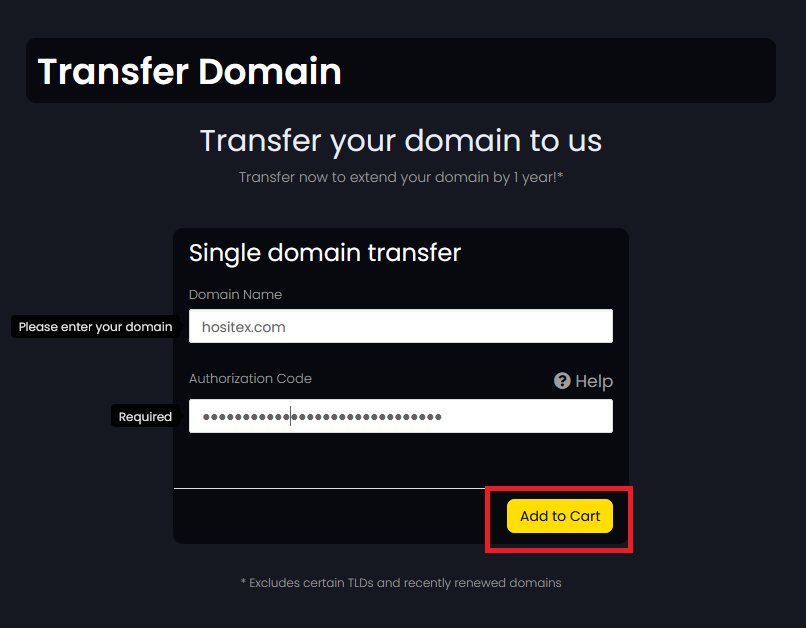
3. The eligibility results will be listed below and if eligible, you'll be redirected to the Domains configuration page.
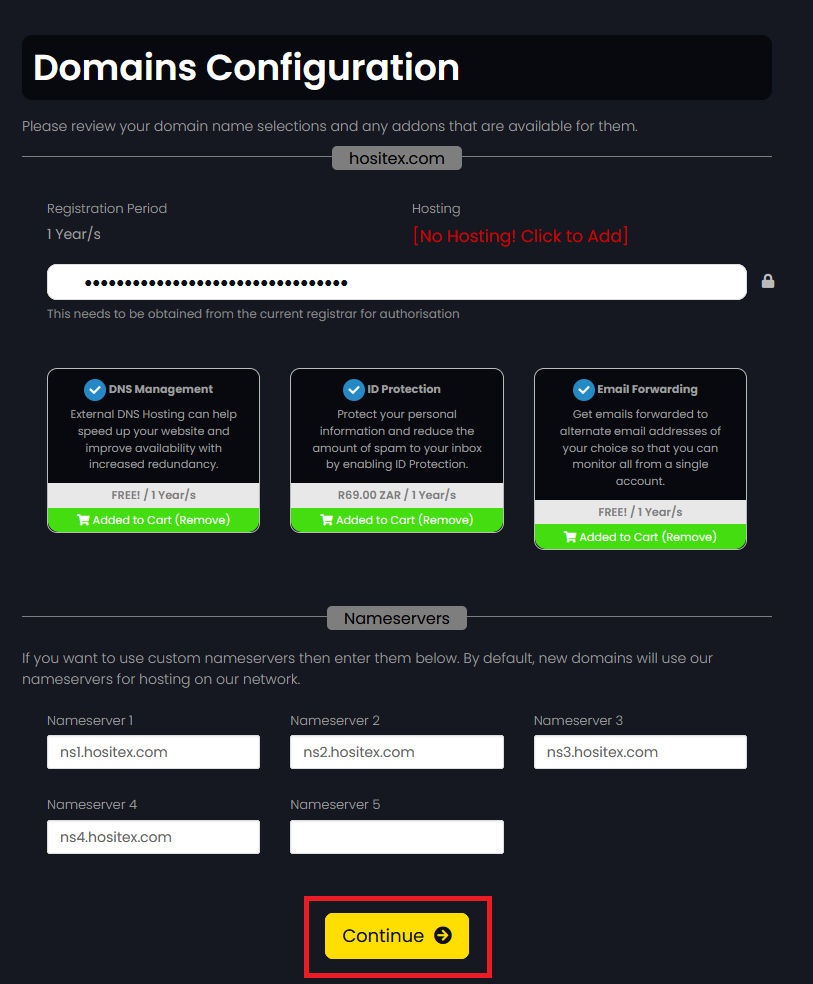
4. Configure the Domain and add Hosting(if required) and click Continue. you'll be redirected to the Checkout page.
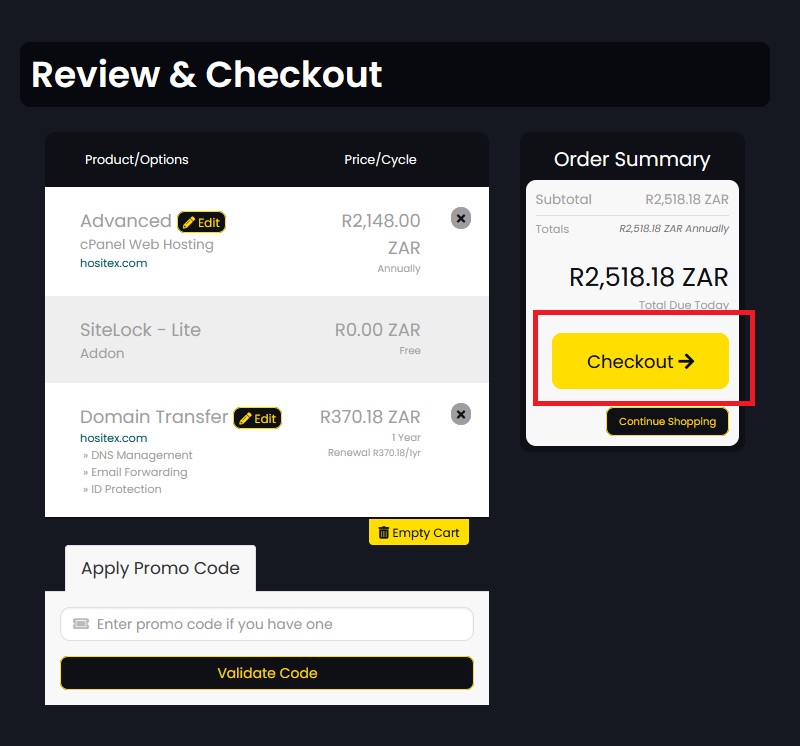
5. Review the Domain and Hosting Options and click Checkout.
6. Either Login to your Hositex account, or Create an account if you are a new client.
NOTE: Please ensure that if you are transferring from one provider to another, that there are no outstanding amounts with the current ISP.
- The transfer duration is dependent on them to release it.
- The maximum period for a Domain Transfer is seven (7) days, provided the above criteria are met with your current provider.
