

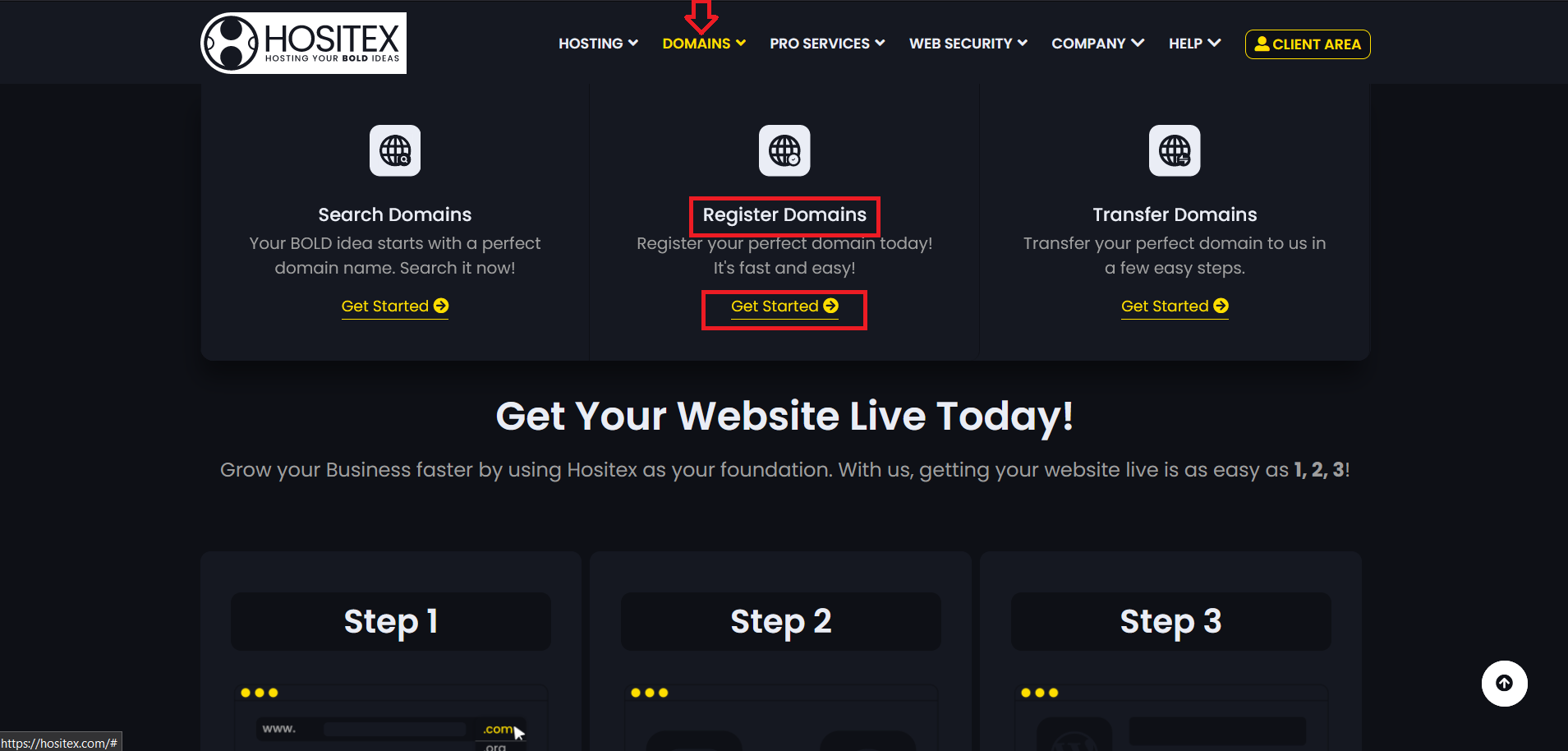
- On the Hositex top menu bar, hover on Domains and Click Register Domains.
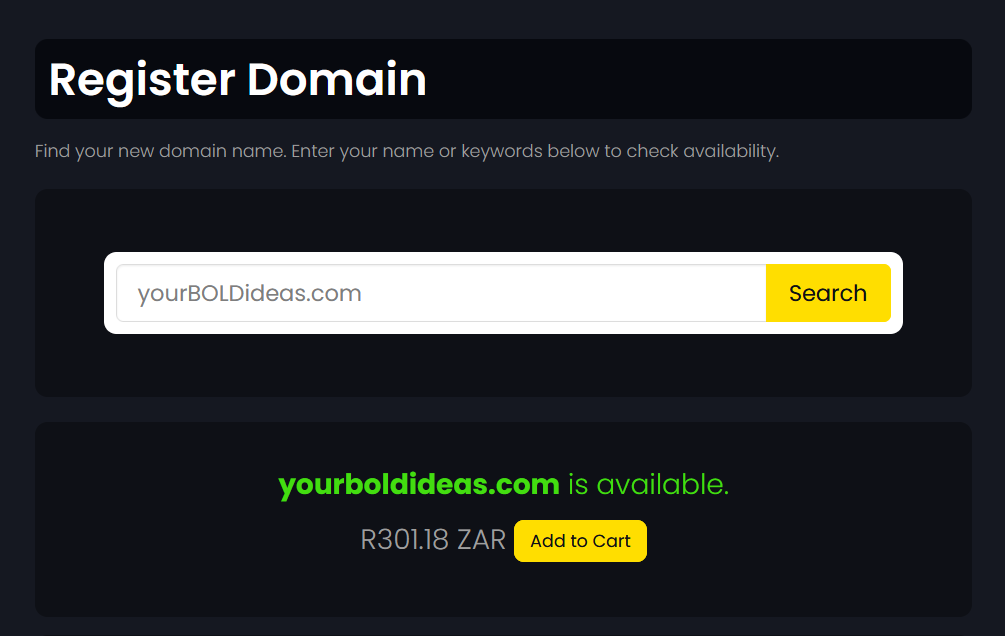
2. Check Availability: In the search bar, please enter the domain name you want and search.
3. Explore Similar Options: There will be a confirmation on the screen, as well as an option to select other TLDs, if you want them.
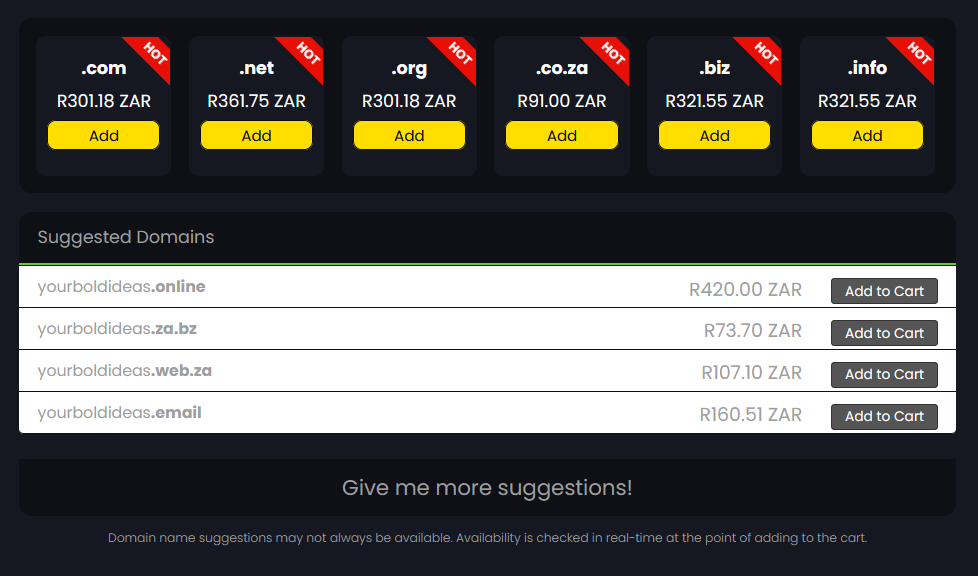
4. Add to Cart: Add the domain to your cart and click on the Checkout button. You'll be redirected to the Domains Configuration Page.
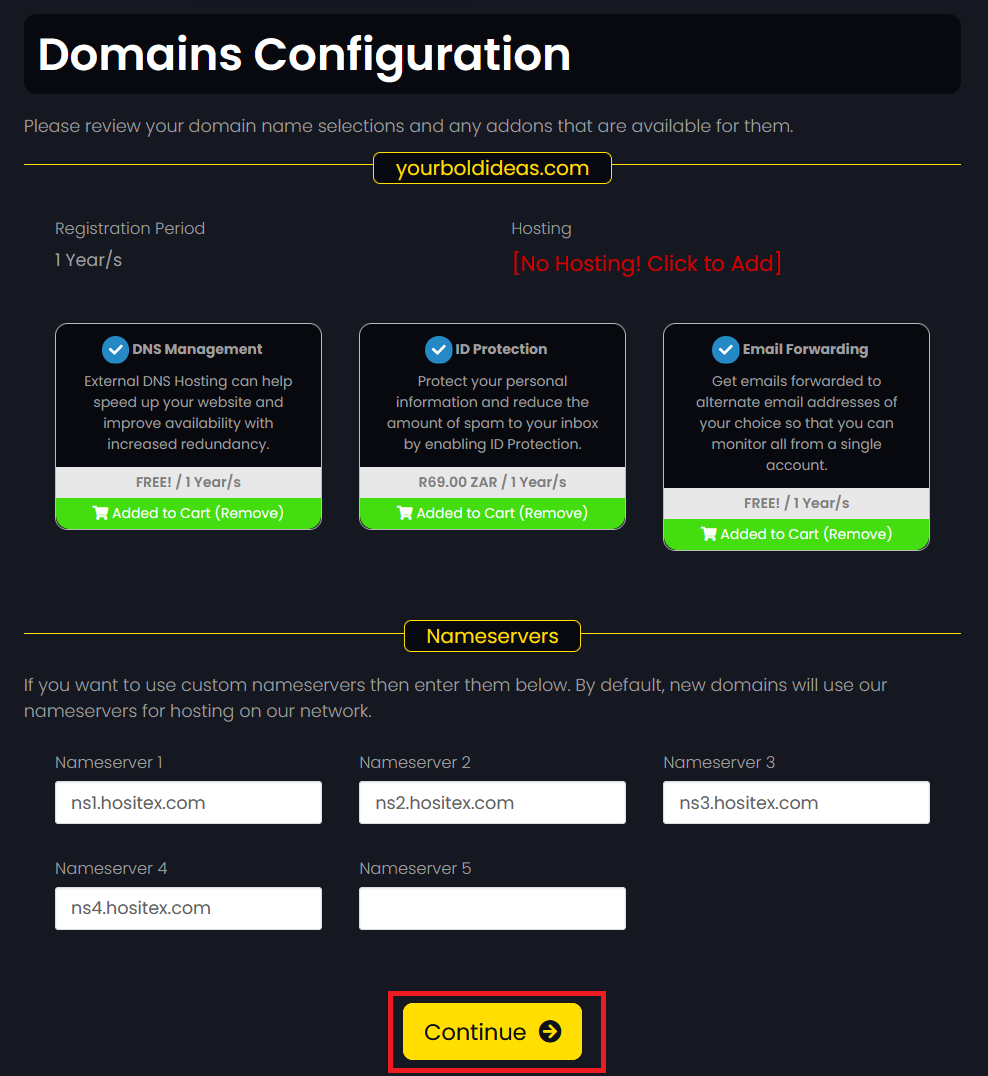
5. Configure your domain: Select any addons available and update the nameservers if required and click Continue.
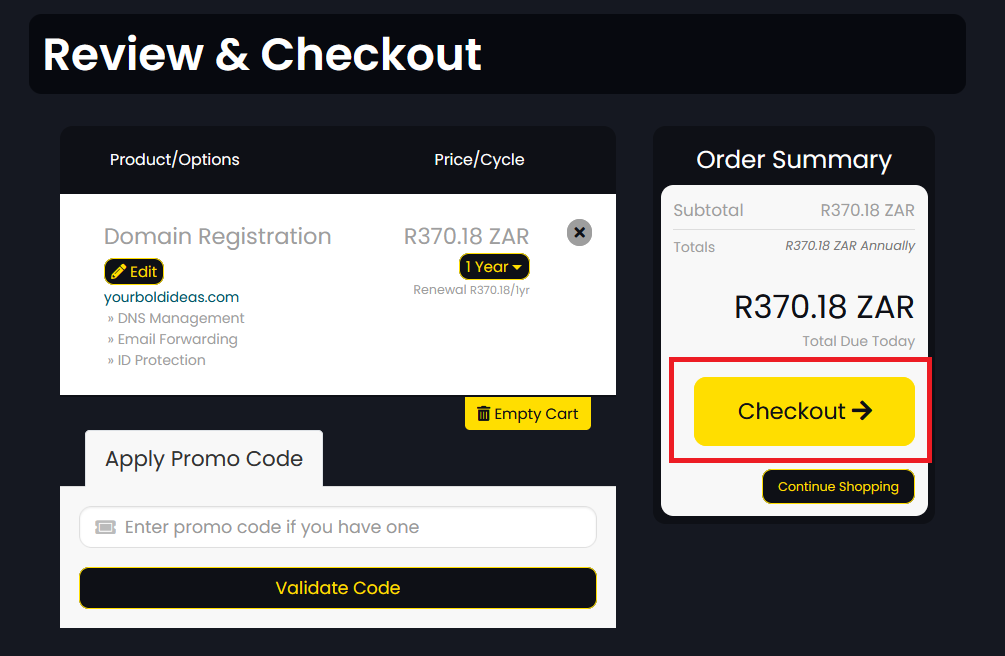
6. Review & Checkout: Review your domain options and click the Checkout button.
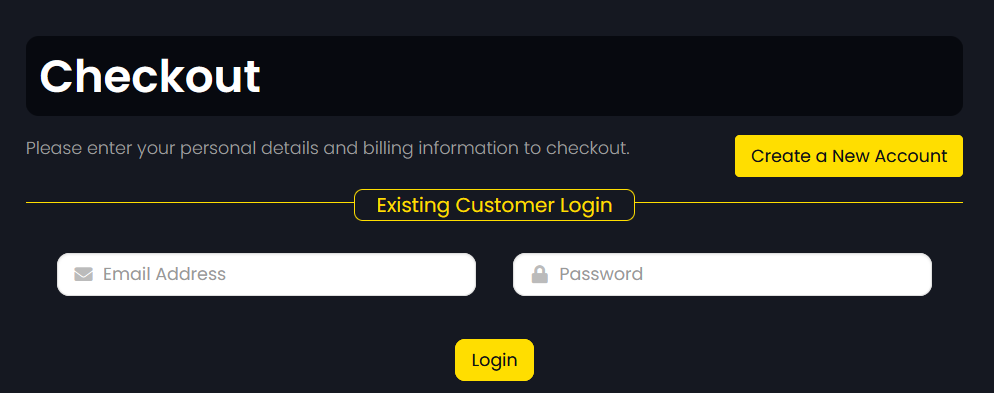
7. Create an Account: Create your new account, or login to your existing one.
8. Complete Contact Info: Fill out the form and submit.
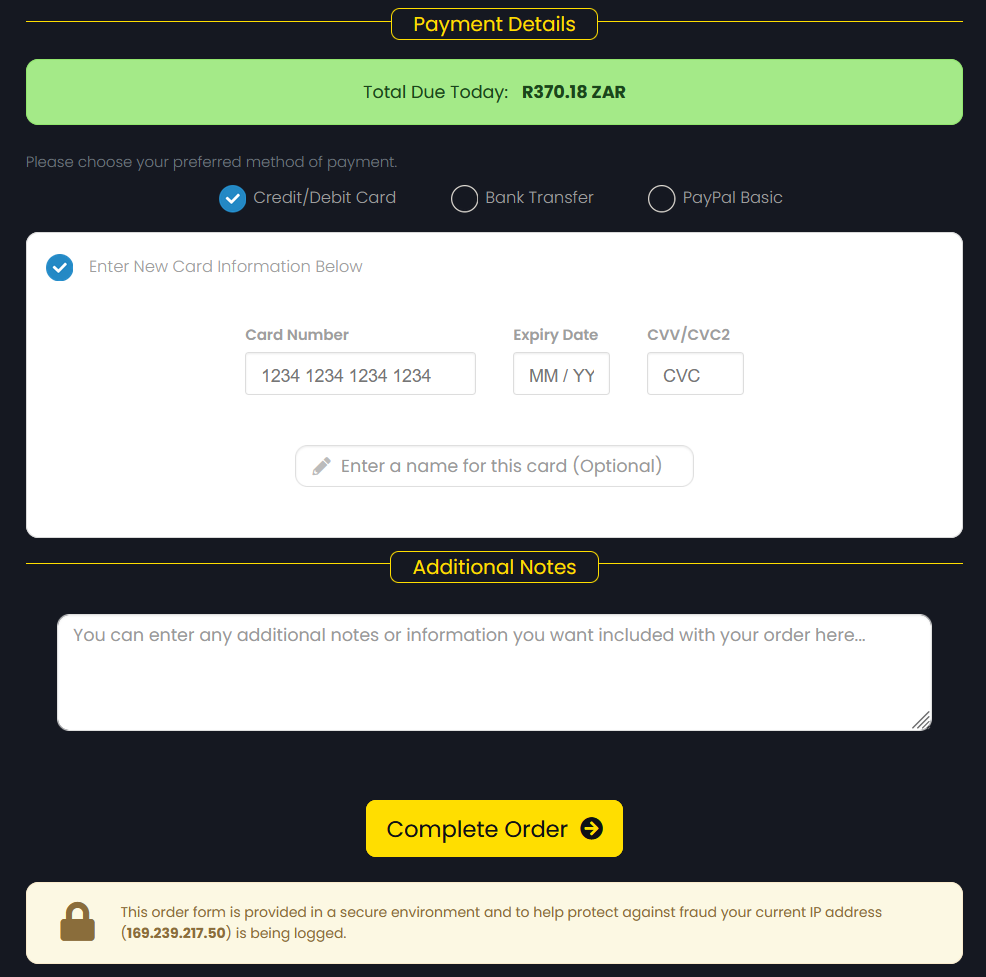
9. Secure Payment: Choose your preferred payment method and click Complete Order.
10. Quick Registration: Your registered domain will be yours when the Registration Fee has been paid and all relevant information has been provided.
